A VR Comfort Rating Cannot Predict Your Stomach
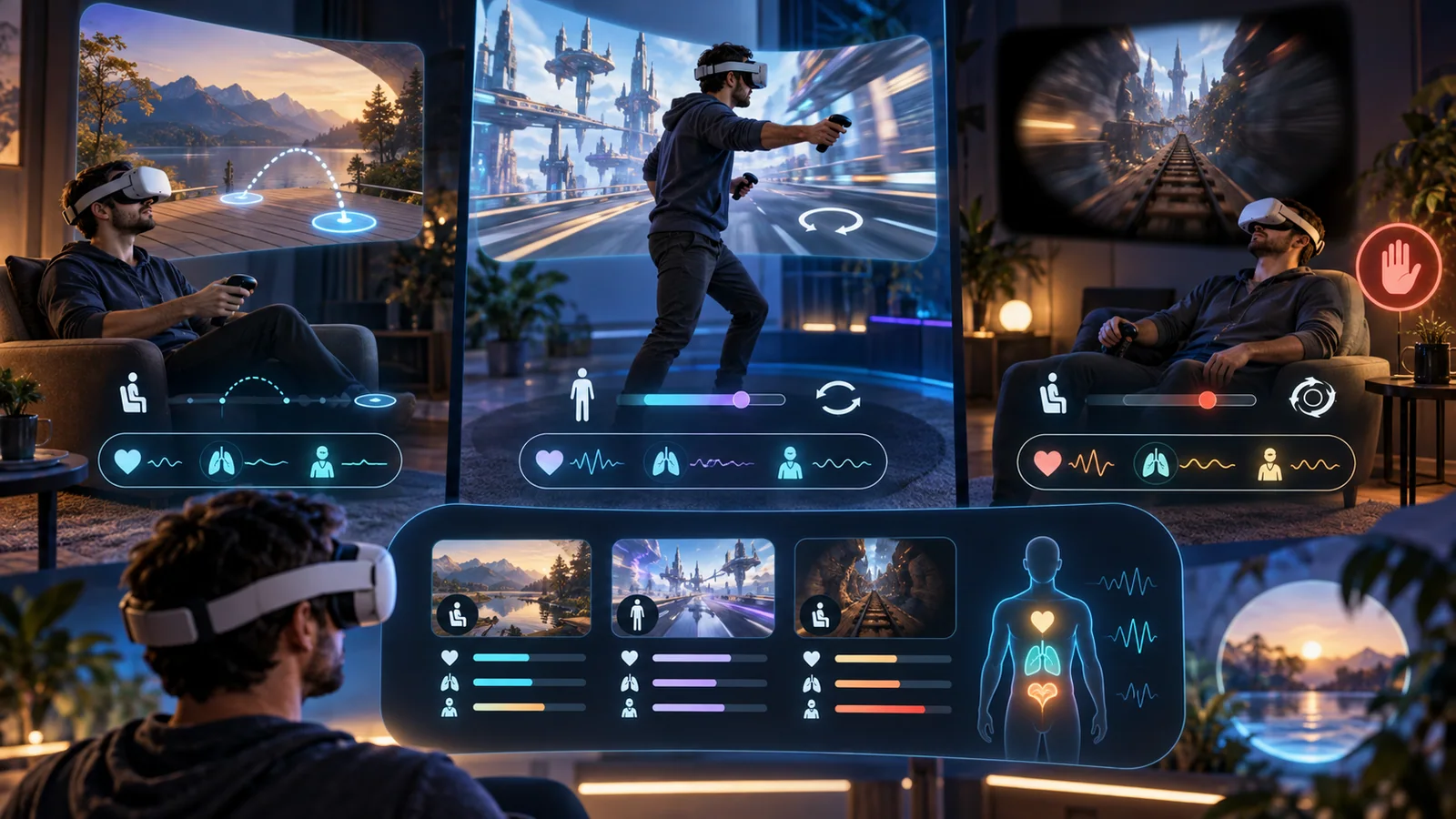
Image: Metaverse Multiverse
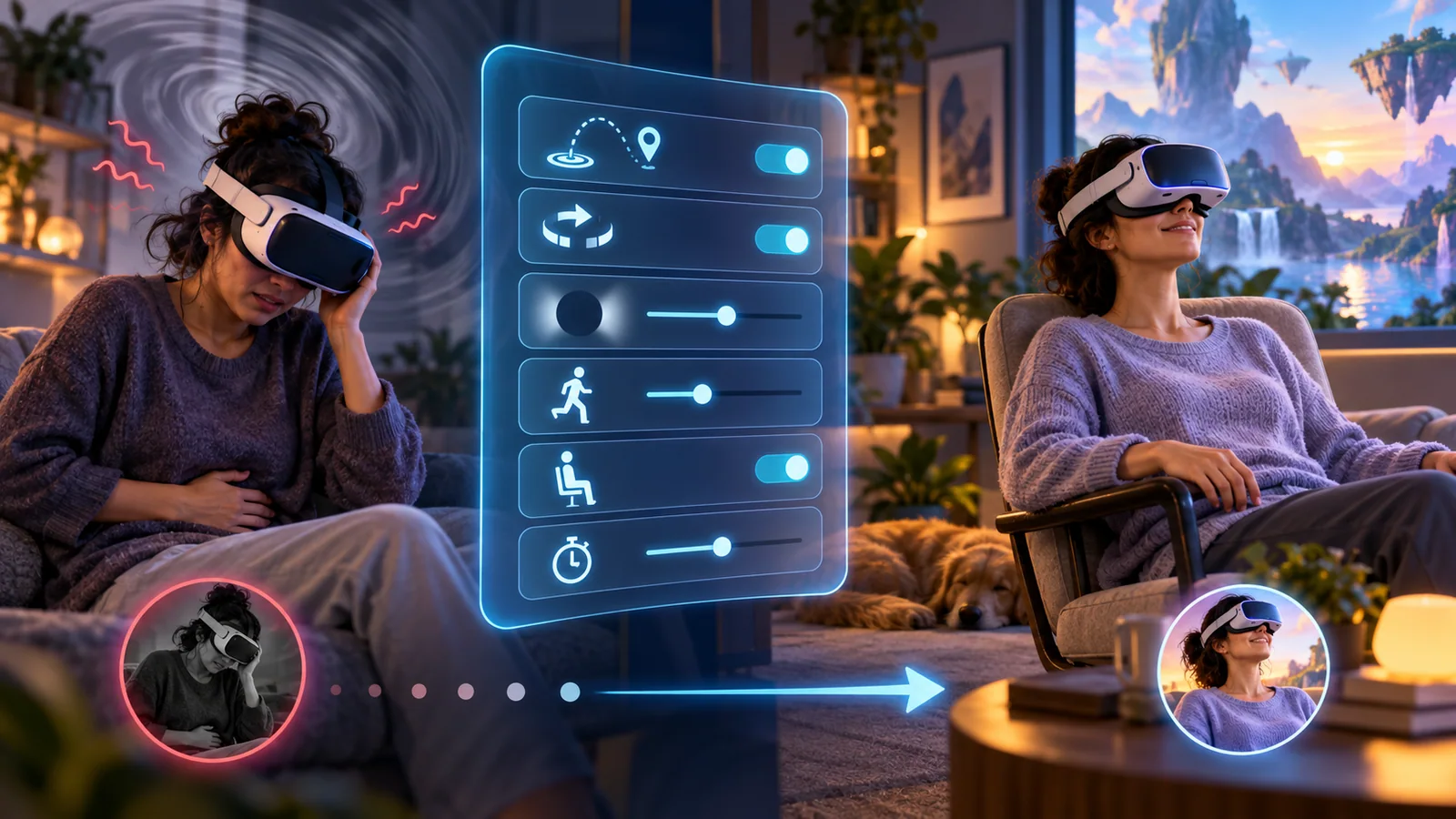
One player can sprint through smooth locomotion for hours while another feels ill after a gentle artificial turn. A store comfort label is useful metadata, not a diagnosis.
The variables that matter
- teleport versus smooth movement;
- snap versus continuous turning;
- acceleration and camera shake;
- stable frame delivery;
- seated, standing, or room-scale play;
- peripheral vignettes and field-of-view changes;
- session length and individual susceptibility.
Build tolerance conservatively
Begin with stationary or room-scale experiences, enable comfort options, and keep the first session short. Stop at warmth, dizziness, eye strain, headache, or nausea. Pushing through can turn mild discomfort into a long recovery.
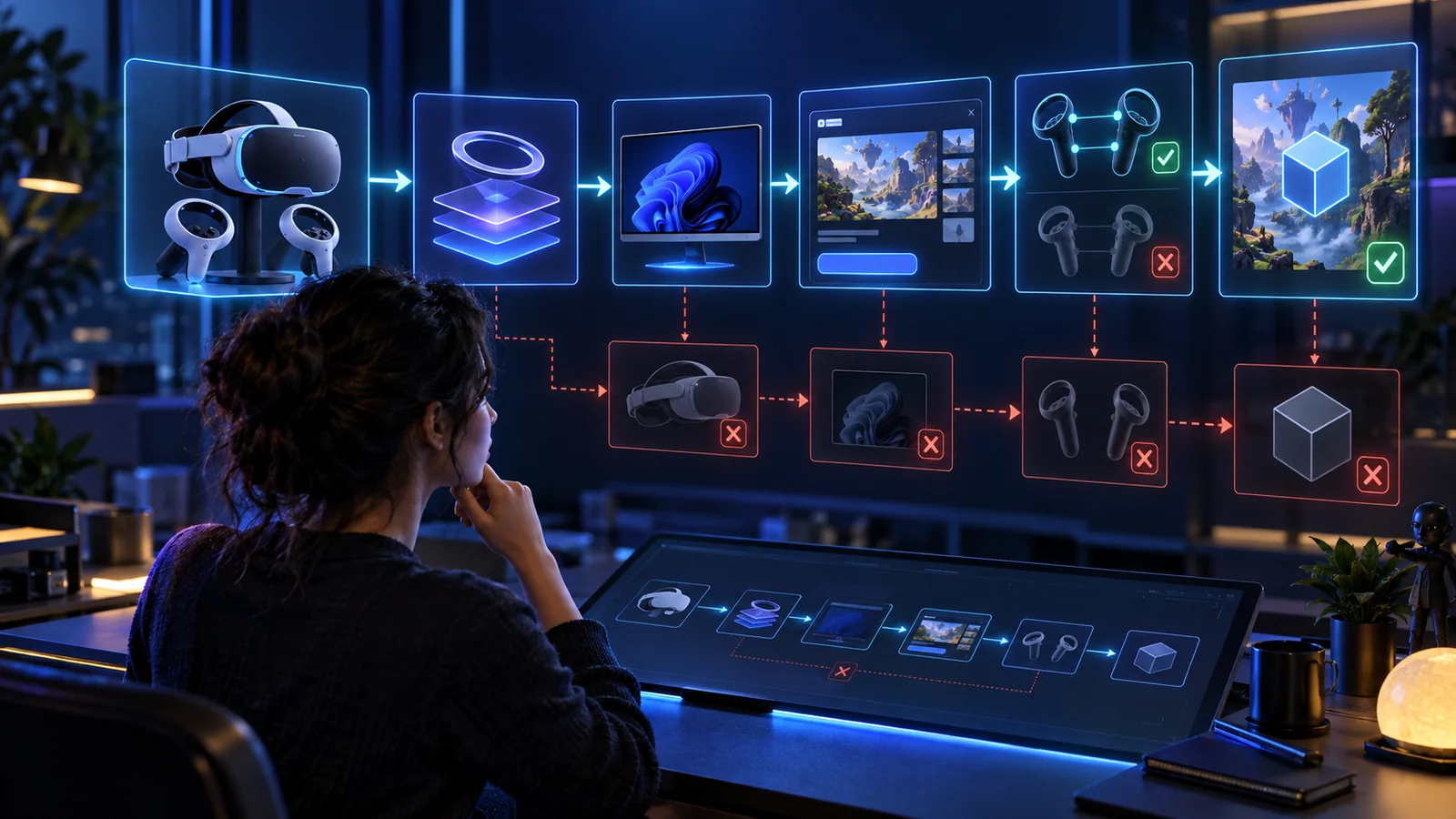
Use official product and store pages to confirm supported modes and hardware. Meta’s Quest 3 product page establishes device capabilities; the individual game’s current page should establish locomotion and comfort options.
The spicy truth
Higher resolution does not automatically create comfort. Stable performance and camera behavior can matter more than marketing pixels.
Key takeaway
Treat comfort labels as screening. Your own short, controlled test with the correct settings is the evidence that matters.
VR comfortmotion sicknessVR gamesaccessibility